


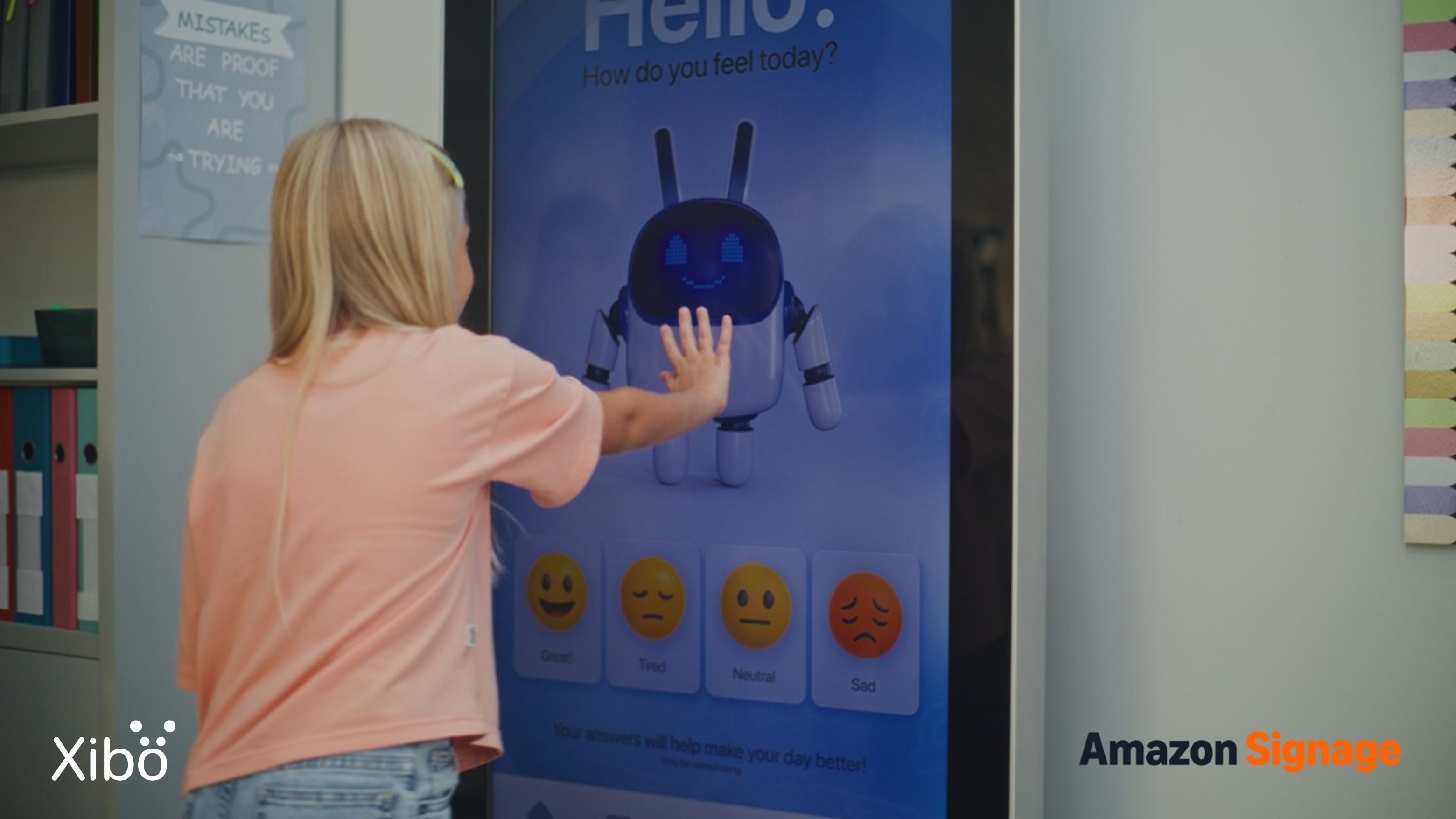
This article is part of a collaborative series created with Amazon Signage, exploring how digital signage can help businesses and organisations communicate more effectively across different industries. In this instalment, we look at education, from K-12 schools and colleges to universities and multi-campus institutions, and how Xibo and the Amazon Signage Stick are making digital signage for education more accessible and simple.
Education teams carry a constant communication load. School staff need to keep students, parents and visitors informed throughout the day. Colleges and universities need to communicate across busy campuses, lecture buildings, student spaces and shared facilities. Room changes, events and everyday announcements all need to reach the right people at the right time, often while staff are already managing a full workload.
Digital signage for education gives schools, colleges and universities a flexible way to put important information in the spaces where students, staff and visitors already look. A well-placed display can provide directional guidance, promote events, communicate changes and keep everyday information current without relying on printed notices or manual updates. For education institutions, the practical result is a more visible, responsive communication network that can support staff and keep students and visitors informed throughout the day.
Five communication challenges across education
Schools, colleges and universities face different challenges, but many of their communication problems are the same. From priority alerts and last-minute changes to keeping students, staff and visitors informed, most institutions need a reliable way to get the right information to the right people at the right time.
These are five of the most common challenges.
1. Communicating important information quickly during an incident
When an incident occurs, schools, colleges and universities need to communicate clear information quickly to the people affected. Whether it's a weather-related closure, a change to building access or another urgent situation, digital signage can provide an additional, highly visible channel for sharing updates alongside an institution's established communication and emergency procedures.
Traditional channels still have an important role to play, but they don't all provide the same visibility. An intercom announcement is heard rather than seen, while an email or message may not be read immediately. Digital displays can put a clear visual update in front of people in the spaces where they already are, helping institutions communicate changes as a situation develops.
The role of digital signage is not to replace an institution's emergency or life-safety systems. Displays depend on power and network availability, so they work best as one part of a broader communication approach. For routine incidents and urgent updates, they can help institutions keep information visible and consistent across relevant areas.
Three capabilities are particularly useful:
- Clear information at a glance: Staff, students and visitors can see a plain-language message explaining what is happening. Use Priority Scheduling to bring important content to the foreground when an urgent update needs to take precedence over scheduled content.
- Targeted information for different areas: Not every part of a campus needs the same message. An institution can target content to relevant displays or areas using Display Groups, helping ensure that location-specific information reaches the people who need it.
- Updates as circumstances change: Incident information can change quickly, and displays can be updated without manually replacing printed notices. Use Schedule Overlays to place updated content over existing schedules when information needs to take priority.
Digital signage therefore gives education institutions another way to keep important information visible during incidents. With Xibo, communications teams can use priority scheduling, display targeting and schedule overlays to support their existing communication procedures and keep relevant displays up to date.
2. Helping visitors, students and staff find their way
Large school and university sites can be difficult to navigate, especially for people who are unfamiliar with them. Parents, visitors, new staff and students all need help at some point finding the right entrance, building or room, and the questions tend to land at the busiest points of the day when reception staff have the least time to answer them.
Digital displays at entrances and reception areas can answer those questions before anyone needs to ask. A display might show visitors where to sign in, direct parents to the right part of the school or point students towards today's event. In larger settings, directional displays can dynamically update during open days or freshers' week to guide crowds to key events, while displays can also be updated quickly when routes change or an area is temporarily unavailable. This helps keep people moving in the right direction without making reception desks the first port of call.
With Xibo, a directional guidance display can also be paired with the Amazon Signage Stick as a low-cost route into reception areas without a specialist AV setup, and the same display can shift purpose throughout the day:
- A welcoming start to the morning: Set the tone at the entrance with a welcome display carrying visitor sign-in instructions, open-day schedules and daily announcements. Automate the morning transition with Dayparting so it appears without staff intervention.
- Live updates between lessons: Room changes and event locations need to reach students in the corridors during transitions, when they can act on them. Push time-sensitive updates over your standard content with Schedule Overlays.
- Afternoon information for parents and students: Collection times, extracurricular clubs and campus announcements become more prominent as the school day winds down. Deliver them as targeted Notifications that appear on the right displays at the right time.
- Evening event guidance: Performances, meetings and community events all need visitor guidance long after the school day has ended. Extend display activity into the evening using Display Operating Hours so the network runs when it's needed.
3. Keeping the community informed and connected
The everyday communication that shapes how a school or college feels is often the hardest job of all. It never stops, it involves dozens of different pieces of content over the course of a day, and it needs to reach different audiences in different spaces at the same time. Corridor displays for students, staff room displays for teachers, foyer displays for parents and visitors, student union displays for undergraduates. Each audience needs different content, and static noticeboards were never designed to keep up with that pace.
Digital signage gives the communications team a way to run all of it from one place. Content can be scheduled to time itself in and out, targeted to specific spaces and refreshed as often as the day requires, which means every space in the school or college can be doing its own communication job without duplicating effort behind the scenes. Xibo handles all of this from a single dashboard, so communications leads can update every audience-facing display in the school without touching each display individually.
The kinds of content that live well on these displays include:
- Celebrating student achievement: Individual successes, exam results, sporting wins and personal milestones deserve to be seen where students actually spend their time. Push recognition messages instantly to relevant displays with Notifications.
- Promoting community events: Society meetings, sports fixtures, arts performances and school productions land best when promoted where the audience already is, whether that's the student union, the foyer or the corridor outside the drama studio. Keep them current across every display with the Calendar widget.
- Sharing culture and celebration: The small moments that shape school life, from birthday shout-outs to team photos to project highlights, become more visible when they appear in the spaces students naturally pass through. Display them cleanly with the Image widget.
- Delivering practical daily updates: Timetable changes, weather notices, room bookings and event locations need to reach students the moment they change. Stream live updates from your existing feeds using the Ticker widget.
4. Managing dining and catering spaces as their own communication channel
The dining and catering spaces across an education institution have their own communication needs. School dining halls, college cafeterias and university food outlets all work around menus that change daily, pricing that may need updating and dietary information that customers need to see while they're deciding what to order. Static menu boards make those changes harder to manage, particularly when information needs to be updated across multiple locations.
Digital menu boards give catering teams a signage setup that works the way their operation does. Menus can be updated when the kitchen changes what's being served, descriptions and dietary tags can be kept current without a reprint, and pricing can be adjusted quickly when an item or portion changes. It's a category of communication that can be managed independently while still sitting within the wider education signage network.
What digital menu boards typically carry:
- Daily menus that stay current: Full menu detail refreshed for every service, with automatic transitions between breakfast, lunch and dinner. Build and update the boards in minutes with Menu Boards.
- Accurate menu and dietary labels: Keep descriptions and dietary tags accurate without a reprint, pulling directly from the kitchen's data source using DataSets.
- Accurate pricing and portion detail: Current prices and portion sizes readable from the queue, updated the moment a supplier cost changes or a portion size is adjusted. Manage it down to the individual item with Menu Board Products.
- Featured specials and campaigns: Meal deals, seasonal specials and healthy-eating campaigns running alongside the standard menu. Schedule them as time-limited pushes with Ad Campaigns.
With Xibo, the catering team can manage their own displays independently while still sitting inside the wider signage network, which means they get the flexibility their operation needs without the school communications team having to run their menus for them.
5. Managing timetables and room bookings as a live system
Universities, colleges and larger secondary schools all run their timetable and room booking as live systems that change through the day. A lecture theatre reallocated at short notice, a seminar room double-booked, a meeting rescheduled to a different building - these are updates that need to surface where the affected people actually are, not buried in an email that arrives after they've turned up at the wrong door.
Digital signage outside teaching spaces, meeting rooms and shared facilities turns timetable data into visible information. By connecting your institution's timetabling data to Xibo using DataSets or our API, room displays can reflect the schedule, showing current bookings, upcoming sessions and last-minute changes without someone having to manually repost every update. That means students can see the latest information where they need it, while academic and administrative teams can reduce the manual work involved in keeping room signage current.
Where live timetable displays typically go:
- Outside lecture theatres and seminar rooms: Current session, next session and any room changes for the day, visible to students before they walk in. Populate them directly from the timetable with the Calendar widget.
- Meeting and function rooms: Live booking status and upcoming events for the room, so both staff and visitors know what's next. Pull the information straight from the booking system using DataSets.
- Shared teaching spaces: Whichever department has the room booked and for how long, without needing manual updates from a central team. Target the right content to the right rooms with Display Groups.
- Central information points: A single display showing today's timetable movements across the whole building or campus, useful in foyers, common rooms and major junctions. Aggregate the information with the Dashboard widget.
With Xibo, room signage can integrate with the underlying booking system so the display updates automatically as bookings change, which removes the manual reposting that makes most legacy room signage unreliable.
What digital signage looks like at University of Nottingham
.png)
The University of Nottingham has used Xibo since 2010, growing from a small deployment in one department to a network of more than 267 displays across five campuses.
Today, different teams use the network for different communication needs, from dining and events to research, student information, emergency messaging and directional guidance. With content, permissions and scheduling managed centrally, the university can support a wide range of departments while keeping its signage network flexible.
As John Milner, Team Leader (AV) at the University of Nottingham describes it, "For us, it's about centralised support and flexibility. Xibo allows us to meet the needs of a wide range of departments without needing to manage everything manually."
The example shows how digital signage can support communication across a large, multi-campus education institution, with different teams using the same platform for different audiences and purposes.
Making digital signage work across education
Digital signage once came with the kind of hardware costs and installation demands that put it out of reach for most schools, colleges and universities. More affordable hardware and simpler deployment mean institutions can now use digital displays to move information quickly across a site, keep communication current throughout the day and reach students, staff and visitors in the spaces they already move through.
Xibo gives communications teams the flexibility to manage digital signage across a school, college or multi-campus setup. It runs on plug-and-play hardware that can get a new display running in minutes, while every display and location can be managed from one content management system. A message published in the morning can be live across every relevant building by lunchtime, with content scheduled by campus, building, department or time of day.
That flexibility gives institutions more opportunities to put the right information in front of the right people at the right moment, whether that means reaching every classroom during an emergency, guiding visitors through a busy open day or promoting an event where students naturally gather. Used well, digital signage becomes another tool for keeping a school or college running smoothly and feeling connected.
Getting started with Xibo on the Amazon Signage Stick
For schools, colleges and universities looking to put digital signage into practice, the Amazon Signage Stick provides a simple, straightforward way to connect a compatible display to Xibo. It plugs into the display's HDMI port, connects to Wi-Fi and integrates with the Xibo CMS, giving education institutions a simple route into centrally managed digital signage without requiring a specialized AV installation.
An institution can use it to reliably power a reception welcome display, communicate across corridors and common areas, and replace printed noticeboards with content that can be updated remotely.
The Xibo CMS supports remote device management for Amazon Signage Stick, helping reduce TCO and make 1-stick-per-display deployments easier to scale. With the native RDM API, teams can manage their entire display fleet remotely from Xibo CMS, without needing to visit each screen on-site.
For a practical guide to planning a deployment, our new eBook, The SMB Guide to High-Impact Digital Signage, covers the key decisions around hardware, content and measurement.
Purchase the Amazon Signage Stick in your country now:
.png) US
US Germany
  Spain
Spain France
 Italy
Italy UK
UK Canada
Frequently asked questions
What is digital signage for education?
It covers any use of digital displays in schools, colleges and universities, from daily announcement boards and cafeteria menus to campus direction guidance, priority alerts and events promotion. The purpose across all of these is the same, which is to give students, staff and visitors the information they need without adding administrative burden on the team.
Can digital signage be used for emergency communication?
Xibo's Priority Scheduling can bring important messages to the foreground, while integrations such as the Common Alerting Protocol (CAP) connector can help distribute incident information to displays. This can be useful for communicating updates such as weather closures, changes to access routes or other urgent campus information.
Displays depend on power and network availability, so they should not be treated as a standalone emergency notification or life-safety system.
What hardware do I need to run digital signage in an educational institution?
At a minimum, a school, college or university needs a commercial display and a media player to run the signage software. Xibo runs on a wide range of hardware, including Android, Windows, LG and Samsung commercial displays, so education teams can use equipment they already own or choose the hardware that fits each site best.
Can I use an Amazon Fire TV Stick for digital signage?
The standard Amazon Fire TV Stick is designed for home entertainment and isn't built for the always-on, commercial use that digital signage requires. Amazon has since launched the Amazon Signage Stick, an affordable purpose-built device designed to run digital signage software reliably on any compatible commercial display. It works with Xibo out of the box, giving teams a low-cost, plug-and-play route into digital signage.
How do I purchase an Amazon Signage Stick for Education?
The Amazon Signage Stick is a Xibo-certified signage player, so you buy the hardware directly from Amazon or Amazon Business and run it on Xibo. Order the Stick from your local Amazon Marketplace, US | Germany | Spain | France | Italy | UK | Canada , plug it into your display over HDMI, then activate it through Amazon Signage’s Mobile App or Signage Manager Portal and select Xibo as your CMS during setup. It's a straightforward way to get a lobby or restaurant display live quickly, or to pilot before a wider rollout.

.png)