Interactive Actions - Navigate to Layout
From Xibo v3, Interactive Actions can be created to trigger a selected Layout to be shown on Displays. Layouts are identified from a created Code Identifier.




.png)

From Xibo v3, Interactive Actions can be created to trigger a selected Layout to be shown on Displays. Layouts are identified from a created Code Identifier.

Web hooks are a useful and popular way for devices to react to and exchange data with each other. Use a Trigger code to start the action...

With the introduction to Interactivity in Xibo v3, Actions can be created and attached to a Layout, a particular Region or Widget to effect changes to a Layout.

This blog offers a valuable insight into the future of our open source solution and how you can play your part in its growth
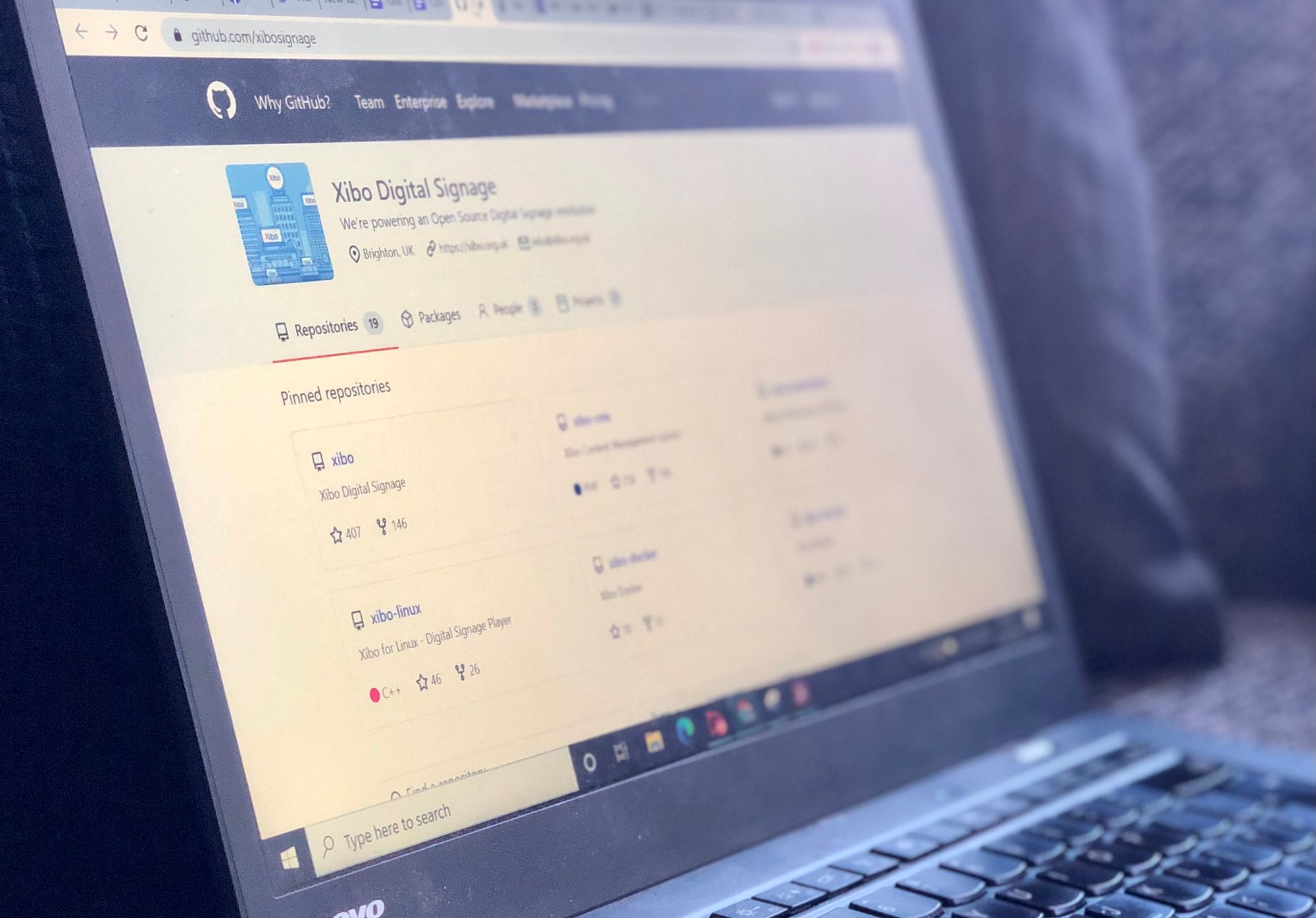
New to the world of open source? We’re here to help answer your burning questions about Xibo Open Source Digital Signage!
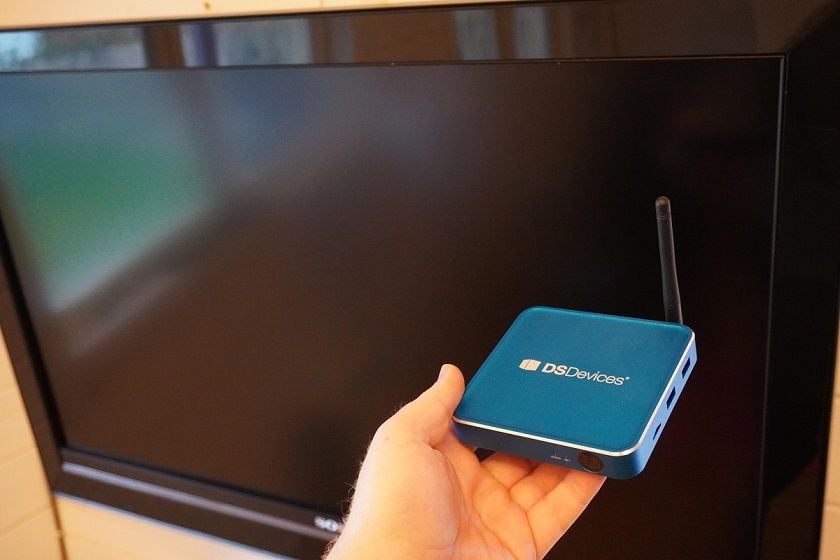
We receive a lot of questions around the DSCS9 Media Player, so in this blog we hope to answer the top 10 frequently asked questions about the DSCS9.

We’ve made it simpler, quicker and cheaper for customers in the European Customs Union to get our recommended Android hardware, the DSCS9.

Covid-19 restrictions will start being eased soon, so now is the time to consider adding DOOH advertising to your business strategy.

The pandemic has had a major impact on small businesses. We’re here to help you learn more about how digital signage can benefit your business.

Digital signage can be used to guide and reassure returning customers, employees and students, and improve mental health.