
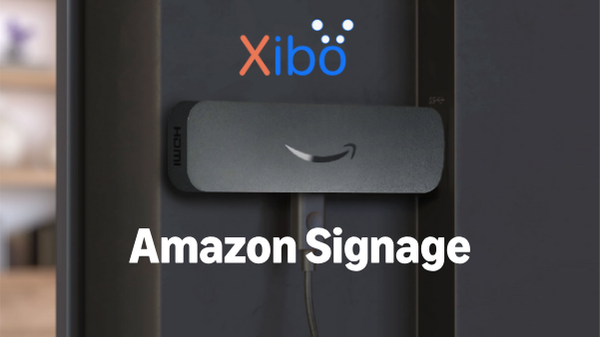
We’re excited to announce that Xibo is now available on the Amazon Signage Stick — Amazon Signage’s purpose-built digital signage media player designed for businesses and organisations of all sizes, across a variety of industries.
This integration makes it easier than ever to get started with digital signage, offering an affordable, reliable, and scalable solution that works seamlessly with the Xibo CMS.
Designed for Digital Signage and You
In the past, many businesses turned to the Amazon Fire TV Stick and other consumer grade devices as a low cost way to power their digital signage networks. While it provided a simple entry point, these devices were not designed for continuous commercial use and led to issues such as access to unrelated apps, standby interruptions, and the well-known “Are you still watching?” prompt. The Amazon Signage Stick solves these challenges by offering a purpose built solution that seamlessly integrates with verified CMS providers, including Xibo, for a secure, always-on, and reliable digital signage experience.
Why the Xibo - Amazon Signage Collaboration Matters to Your Business
For many small and medium-sized businesses and organisations, building a scalable digital signage network can feel overwhelming. A key challenge is finding hardware that is both affordable and easy to manage. Through its collaboration with Amazon Signage, Xibo provides a simple, cost-effective entry into digital signage. The Amazon Signage Stick is easily accessible for purchase, quick to set up, and requires minimal technical expertise. Combined with Xibo’s open-source CMS and flexible, budget-friendly plans, businesses can now deploy a scalable, professional-grade signage network without the usual complexity or high upfront hardware costs.
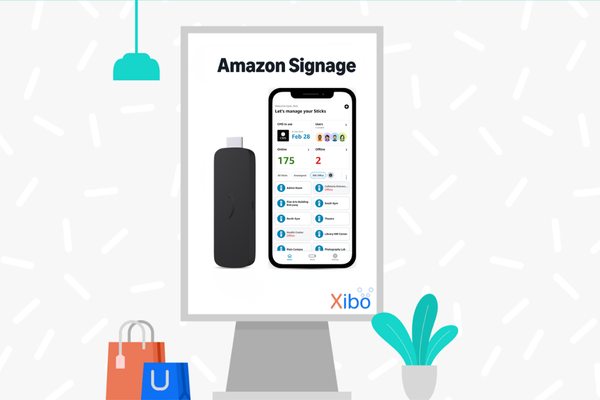
How to get started with Xibo and Amazon Signage Stick
With Xibo now available on the Amazon Signage Stick, customers can connect directly to Xibo CMS to manage, schedule, and deliver content — all within minutes.
Step 1: Set up your Xibo CMS
Step 2: Purchase your Amazon Signage Stick from Amazon.com
Step 3: Plug the Signage Stick it into your screen
Step 4: Easily set up one or multiple Signage Sticks with the free Signage mobile app or Manager Portal
Step 5: Select Xibo from the CMS providers list
Step 6: Connect to your Xibo CMS and start displaying your content
“We’re thrilled to collaborate with Amazon Signage and be a CMS Provider for the Amazon Signage Stick. This collaboration makes professional digital signage more accessible than ever for businesses and organisations of all sizes and will enable our customers to deploy and manage their screens faster, at a lower cost, and with greater reliability.” Dan Garner, CEO at Xibo Signage.
Available now
The Amazon Signage Stick with Xibo is available now for customers in the United States. To order your device, visit amazon.com
Discover the power of Xibo and Amazon Signage.


.png)